How to create an event on yoy
You can publish a free event with registration in a few minutes: sign in, create a community, fill in the event and press "Publish". yoy creates the free ticket for you.
The event editor is in Ukrainian, so the labels below are given in Ukrainian with a translation.
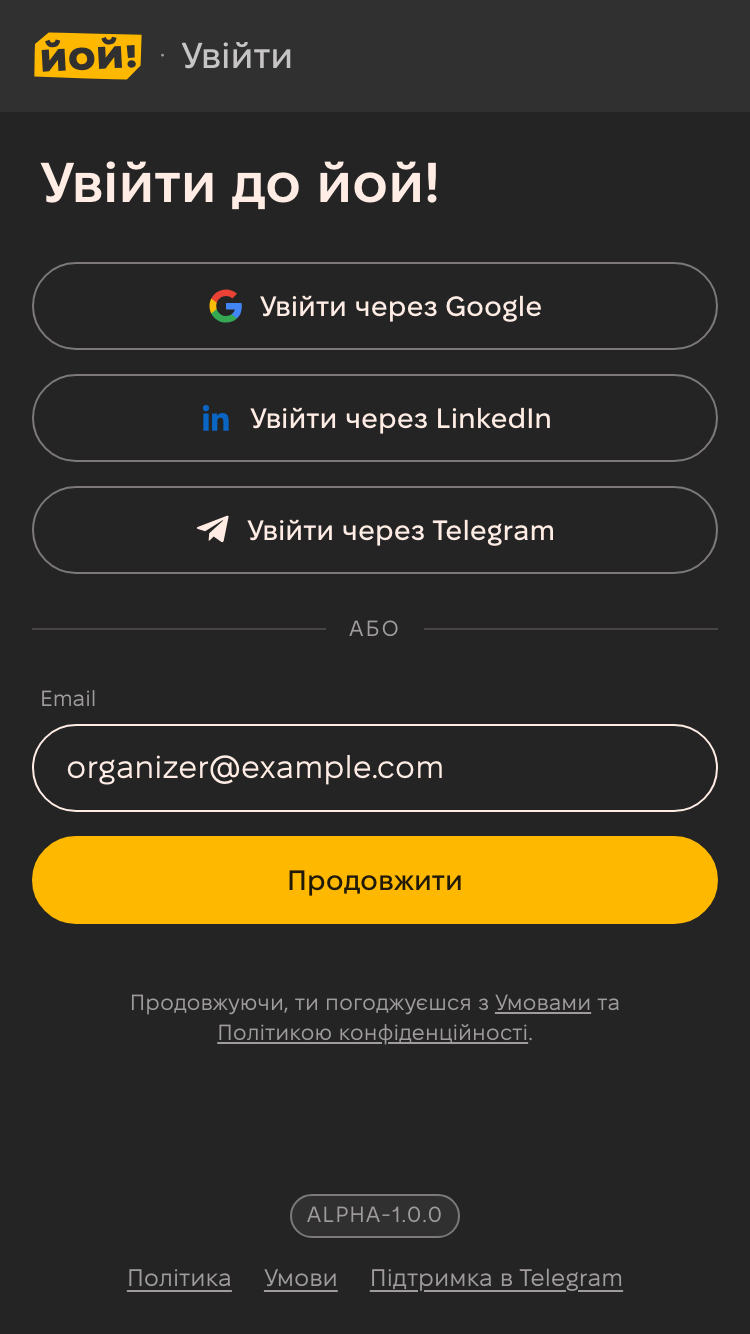
1. Sign in
Open yoy.events and sign in with email, Google, LinkedIn or Telegram. Email sign-in uses a one-time code — there are no passwords.
2. Create a community
Every event belongs to a community — your organizer page with all upcoming and past events. Open Create community and fill in:
- Name — how attendees know you.
- URL slug — the page address, e.g.
yoy.events/qa-club-lviv. It is filled from the name and can be changed. - Description and cover — optional, but they help people and search engines.
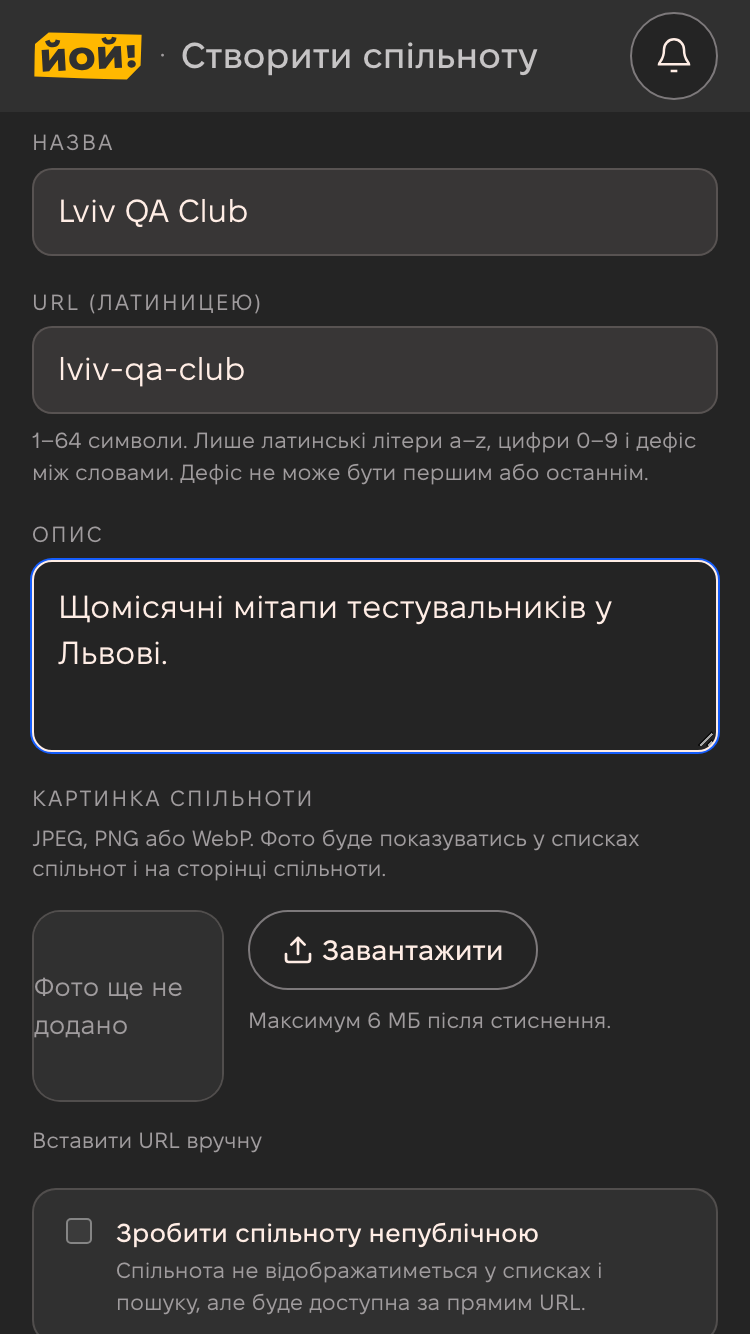
To keep the community out of listings and search, turn on "Make this community unlisted" — it stays reachable by its direct link.
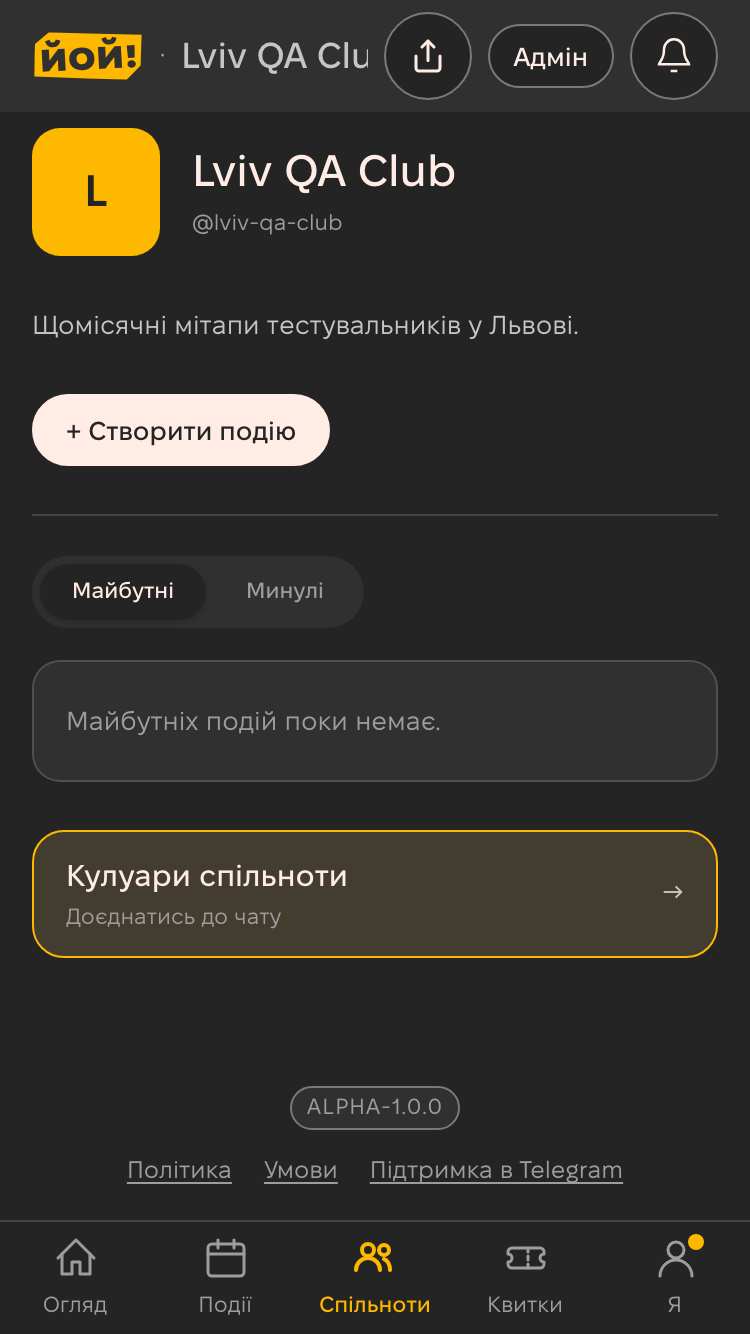
3. Start a new event
On the community page press "+ Create event". One event page opens, no step-by-step wizard: fill in what you already know, the draft saves itself.
4. Title, date and venue
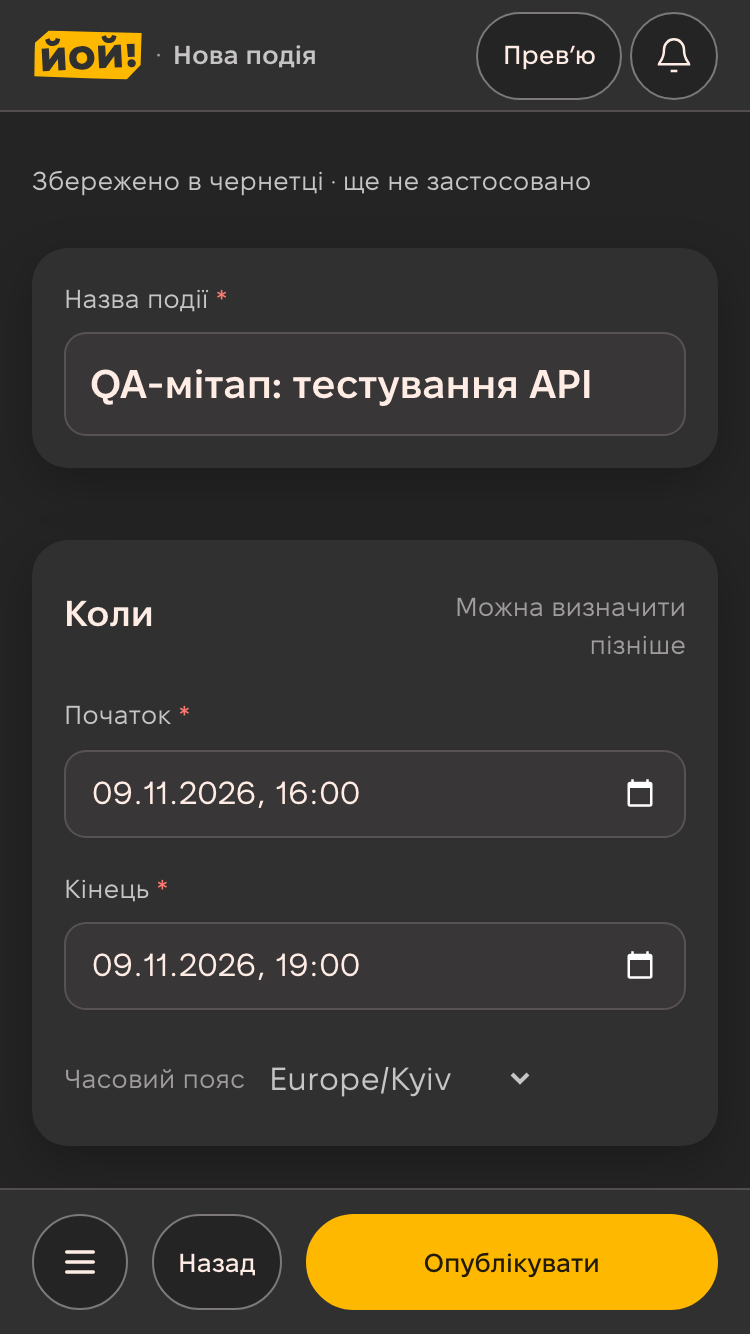
- «Назва події» (event title).
- «Коли» (when) — start, end and time zone. The date must be in the future.
- «Де» (where) — in person, online or hybrid. For an in-person event add the city and address, for an online one the stream link.
5. Description and cover
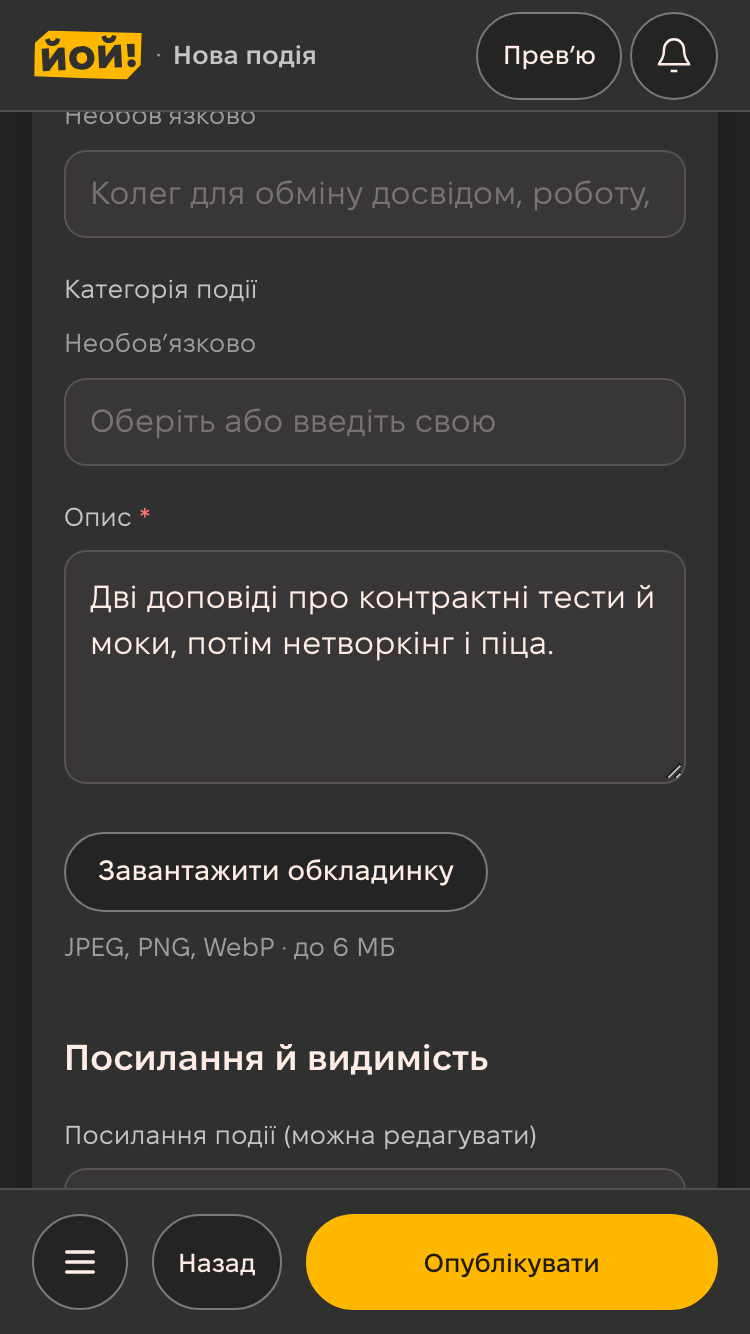
In «Про подію» (about the event) describe what happens and who it is for (at least 10 characters). The cover is optional, but it is what people see in the event feed and in link previews.
In «Посилання й видимість» (link and visibility) you can change the event address and choose public, link-only or private.
6. Registration and tickets
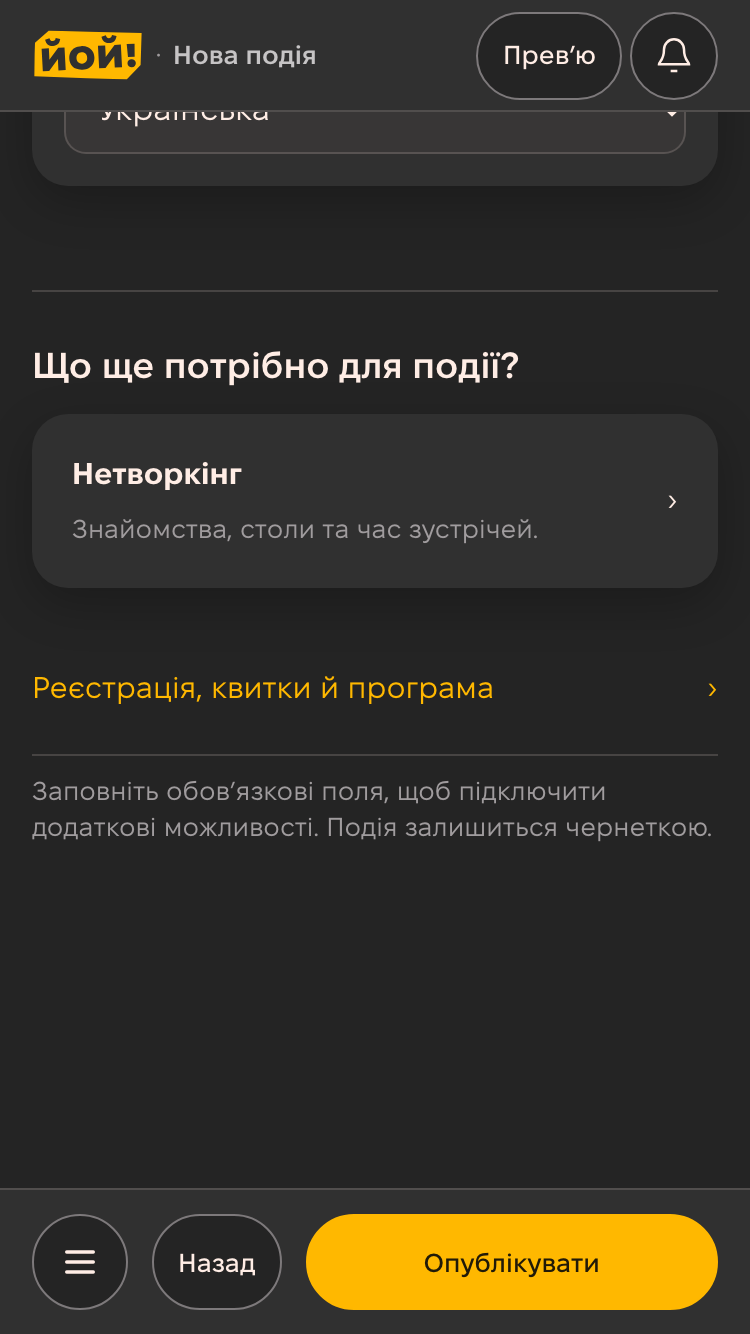
A free event needs nothing here: on publish yoy creates a free ticket called «Квиток».
For a seat limit, several ticket types, a registration form or a programme with speakers, open «Реєстрація, квитки й програма» (registration, tickets and programme). Attendee networking is turned on with its own «Нетворкінг» card. Paid tickets work once payments are connected: money goes straight to the organizer's merchant account via WayForPay, Monobank, LiqPay or Stripe.
7. Publish and share
The «Опублікувати» (publish) button at the bottom becomes active once the title, date, venue and description are filled in. After publishing, the public event page opens at yoy.events/<community>/<event>.
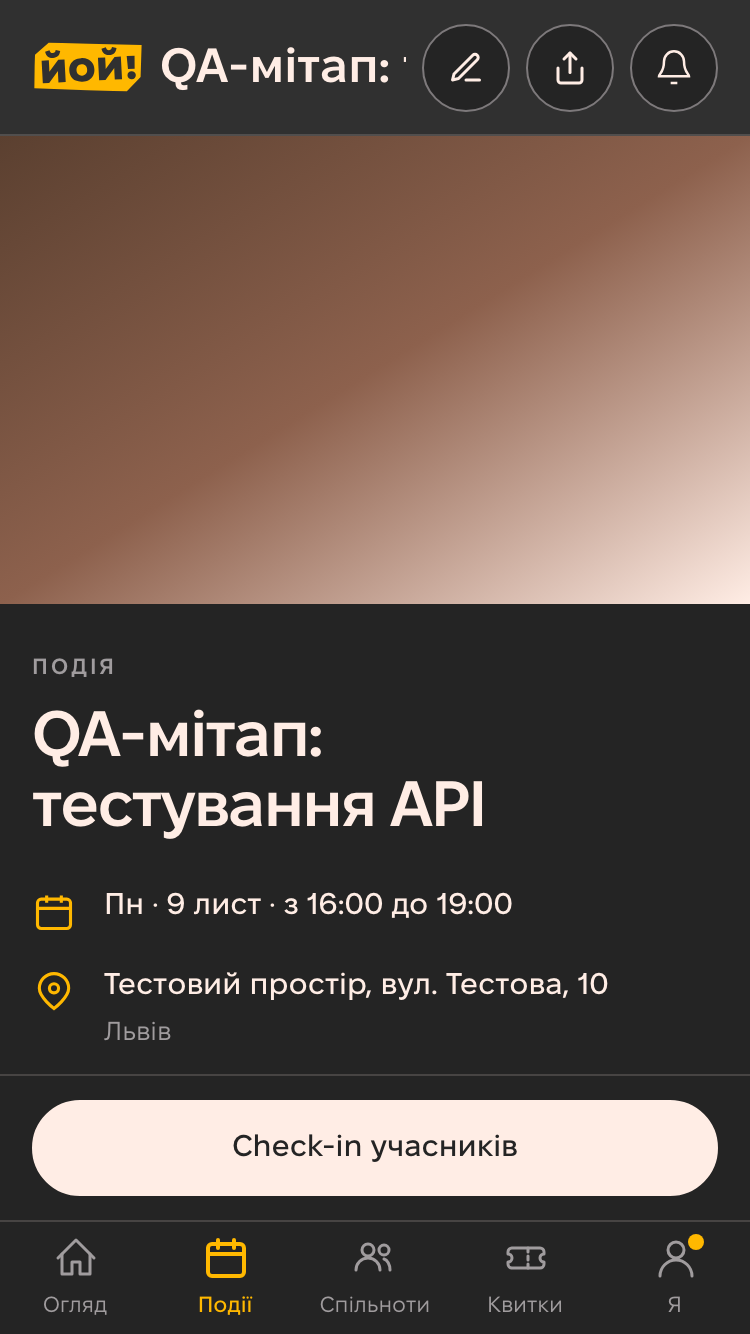
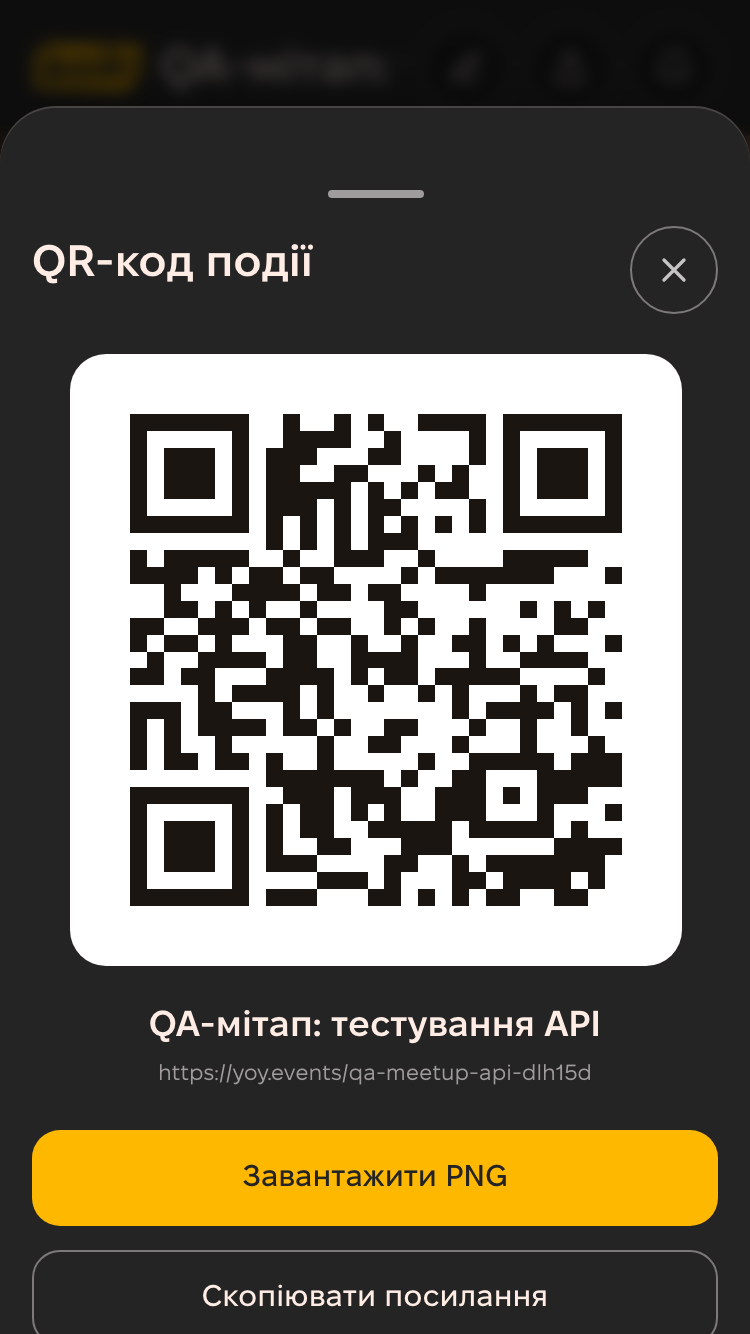
Press «Поділитися» (share) to copy the link or show a QR code — handy for a poster or a slide.
What's next
- Attendees register on the event page and get a ticket with a QR code for check-in.
- You can edit the event any time; changes go live with «Застосувати зміни» (apply changes).
- All guides.